Pay the Apple way with your Creand card.
Apple Pay is now available in Andorra, offering a simple, secure, and private way to pay in stores, online, and within your favourite apps. Use it with your Creand card on iPhone, Apple Watch, iPad, or Mac.

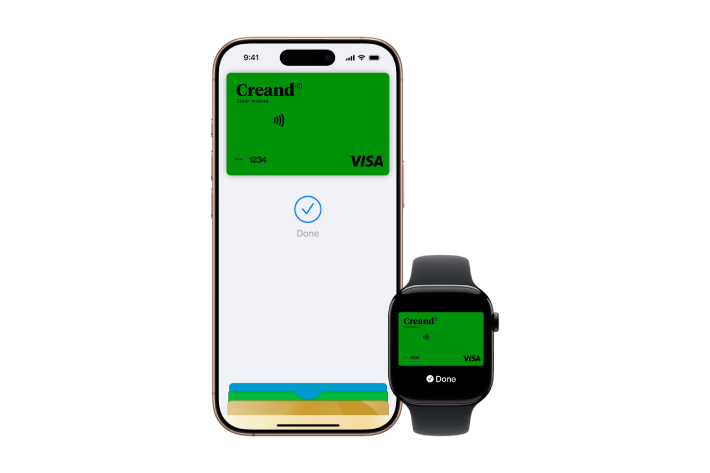
Convenience.
Leave your wallet at home. With Apple Pay, you can pay with your Creand card seamlessly on your iPhone or Apple Watch.
Privacy and security.
Apple Pay leverages built-in security features like Face ID and Touch ID on your Apple device, ensuring only you can authorize payments with your Creand card.
A simple way to pay online.
Apple Pay provides a secure method to pay with a tap or glance, online or in apps, without needing to enter sensitive details like your card number or PIN.

Quick setup. Seamless payments. On all your Apple devices.
Apple Pay is built into iPhone, Apple Watch, Mac, and iPad. Set it up in seconds and use your Creand card across all your Apple devices for in-person, online, and in-app purchases.
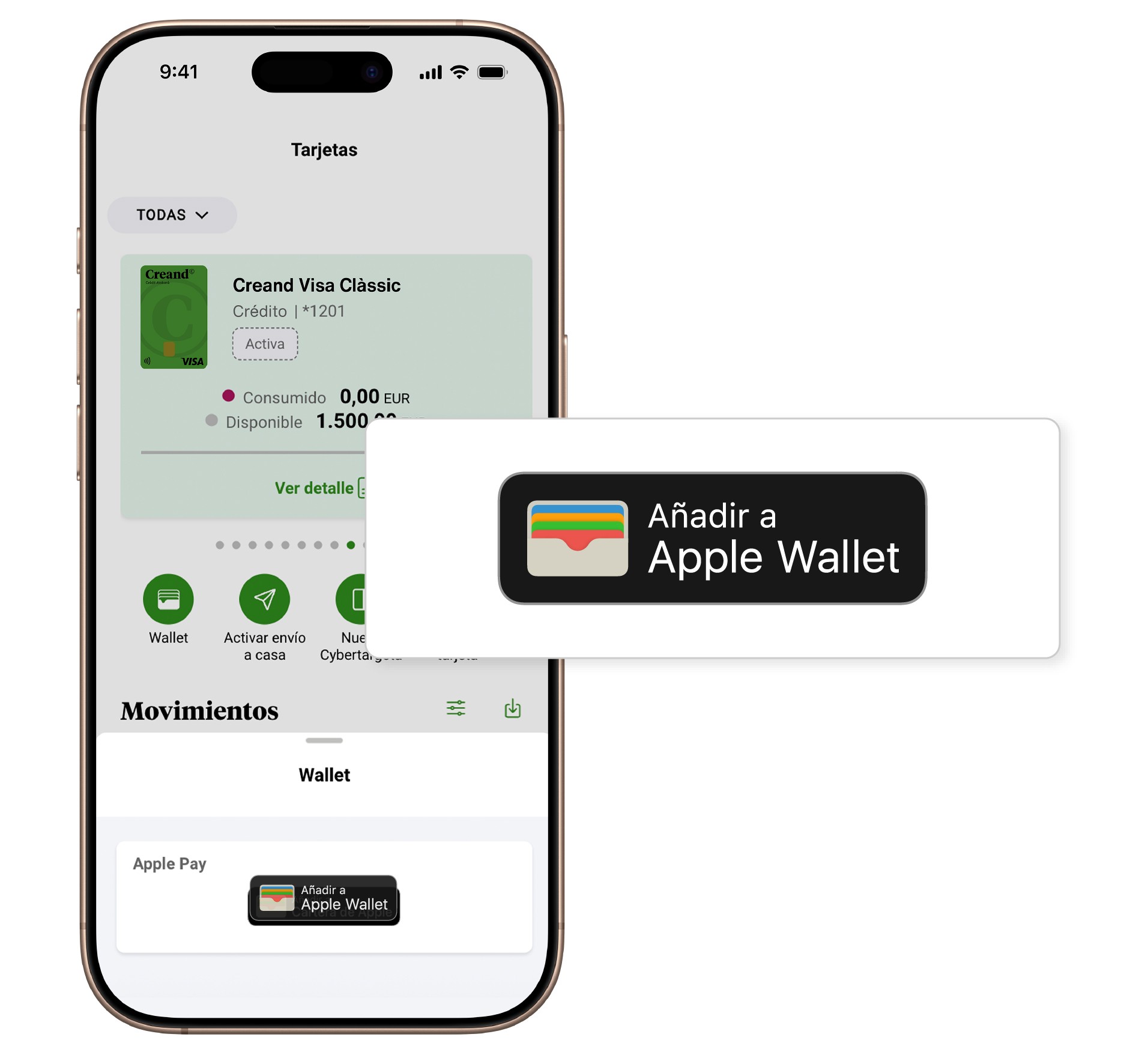
Add cards to Apple Pay via the Creand Online Banking app
- Navigate to the VISA card you wish to add in the cards section of the Creand Online Banking app.
- Tap the first Wallet icon, select “Add to Apple Wallet,” and follow the prompts.
Alternatively, open Apple Wallet on your iPhone or Apple Watch, or go to Wallet > Apple Pay in System Preferences on your iPad or Mac, and follow the steps to register your cards.
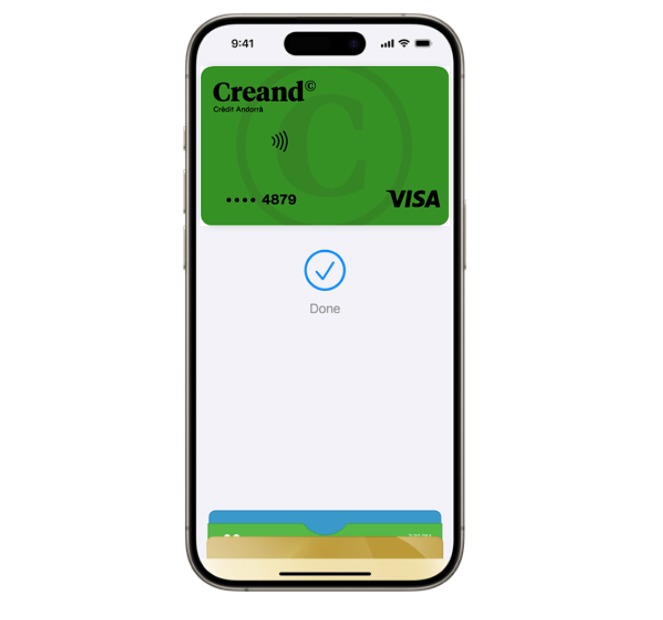
Pay with your device. It’s all you need.
- In stores, double-press the side button on your iPhone from the lock screen or an app. Authenticate with Face ID, Touch ID, or your passcode, then hold your device near the reader.
- For online or in-app payments, locate the Apple Pay button, tap it, verify your details, and authenticate with Face ID, Touch ID, or your passcode. That’s all it takes.
Apple Pay connects everything
Apple Pay works on these devices:
iPhone models with Face ID or Touch ID, excluding iPhone 5s.
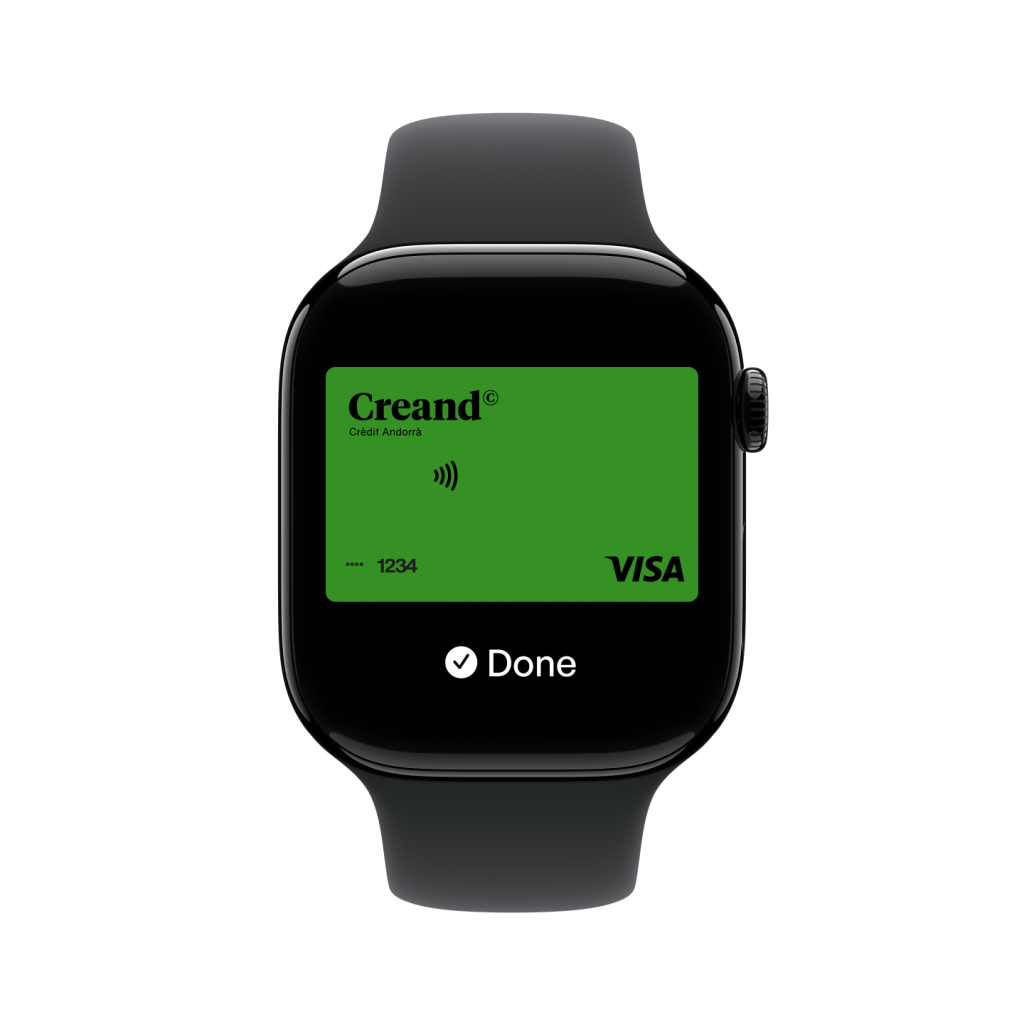
All Apple Watch models starting from Series.
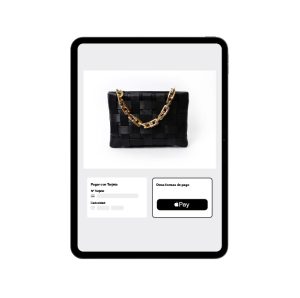
iPad Pro, iPad Air, iPad, and iPad mini models with Face ID or Touch ID.
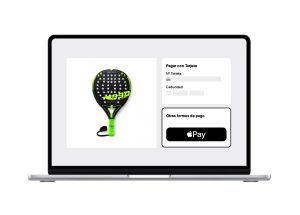
Mac models with Touch ID, those paired with a Magic Keyboard with Touch ID, or any model from 2012 onward supported by an iPhone or Apple Watch.
Have any questions about the service?

Apple Pay is a payment service for making purchases in stores, websites, and apps using recent Apple devices, eliminating the need to carry a wallet.
AppleWallet is the app, while Apple Pay is the payment service. Apple Wallet is a digital wallet for storing bank cards, loyalty cards, airline tickets, and more. Apple Pay is a service that enables payments using the bank cards you have registered in Apple Wallet.
- iPhone: Models with Face ID or Touch ID, except iPhone 5s.
- Apple Watch: All models from Series 1 onward.
- iPad: iPad Pro, iPad Air, iPad, and iPad mini models with Face ID or Touch ID.
- Mac: Models with Touch ID, those paired with a Magic Keyboard with Touch ID, or any model from 2012 onward with iPhone or Apple Watch support.
All Creand Visa cards can be linked to Apple Pay. This service is available to anyone aged 13 or over.
Check your Apple Pay transactions in the card details section of the Creand app. You can also view the last 10 transactions in Apple Wallet.
Apple Pay is free to use. All you need is a compatible Apple device and a Creand VISA card to set up and use it at no cost.
In Apple Wallet, remove the expired card from the card summary and add the new valid card’s details via the Creand Online Banking app or directly in Apple Wallet. You can now continue using it.
Use your Creand card with Apple Pay conveniently wherever you see the Apple Pay or contactless symbol on a terminal, website, or app payment page. Apple Pay is accepted at millions of merchants worldwide where contactless payments are supported.
Apple Pay uses your device’s built-in privacy and security features. Every transaction requires Face ID, Touch ID, or passcode authentication. This ensures only you can authorize payments with your Creand card.
If your iPhone is lost, mark it as lost using Find My from another Apple device or iCloud.com to disable Apple Pay cards and protect your information.