Garmin Pay ™
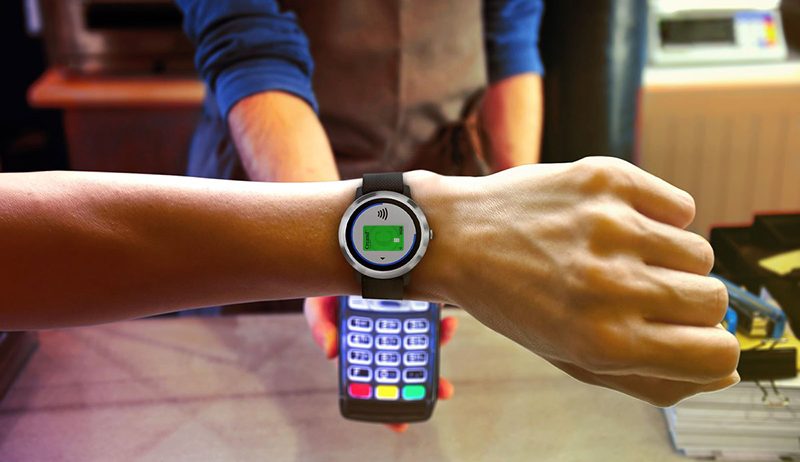
Take advantage of Garmin and Creand’s free contactless payment service. No need to carry your wallet or phone, pay directly from your Garmin watch.
Check which Garmin watches are compatible with Garmin Pay here.
Activate your Visa Teens card now and start using Garmin PayTM.
How do I activate Garmin Pay?
Activate Garmin Pay by Creand in four easy steps:
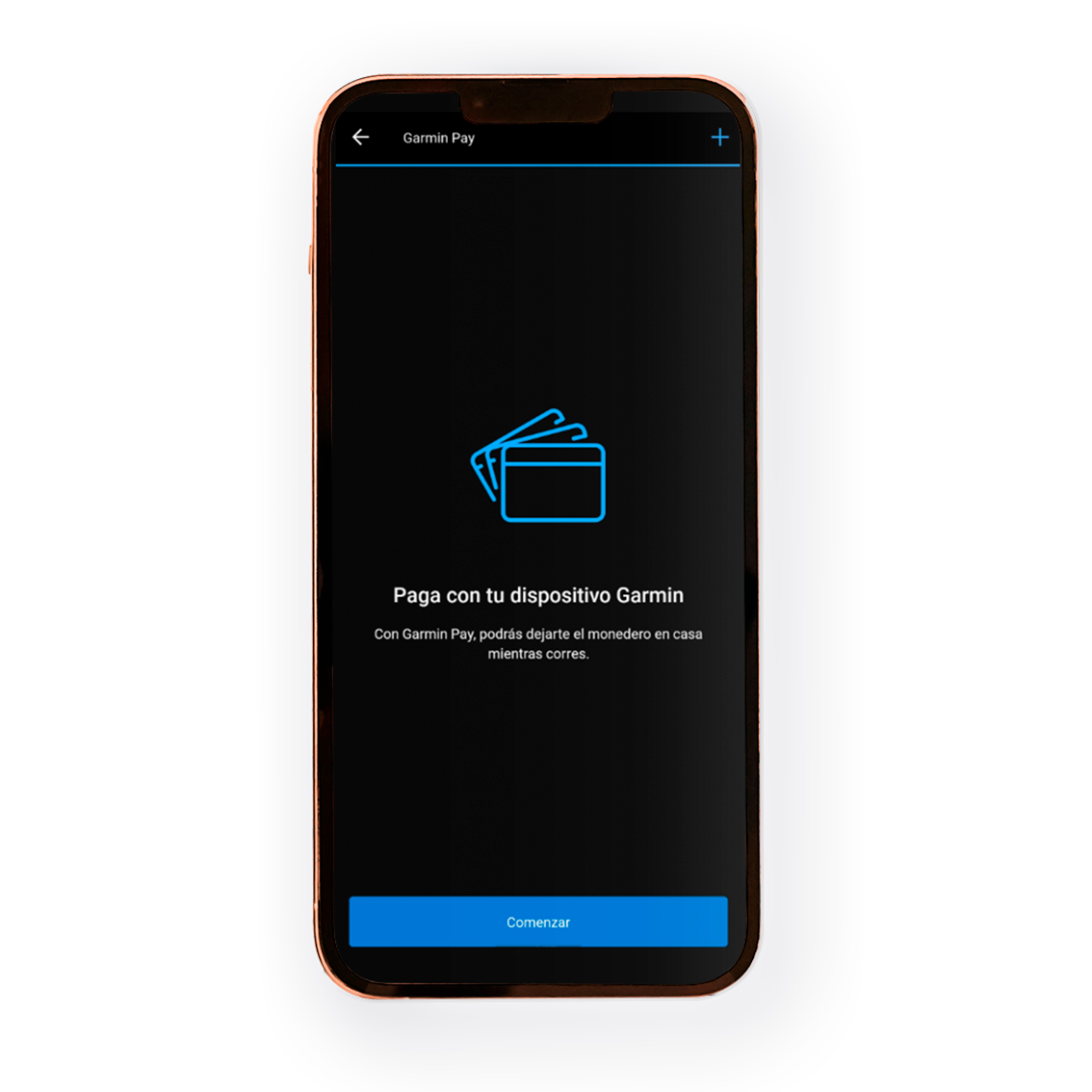
Add your cards to Garmin Pay:
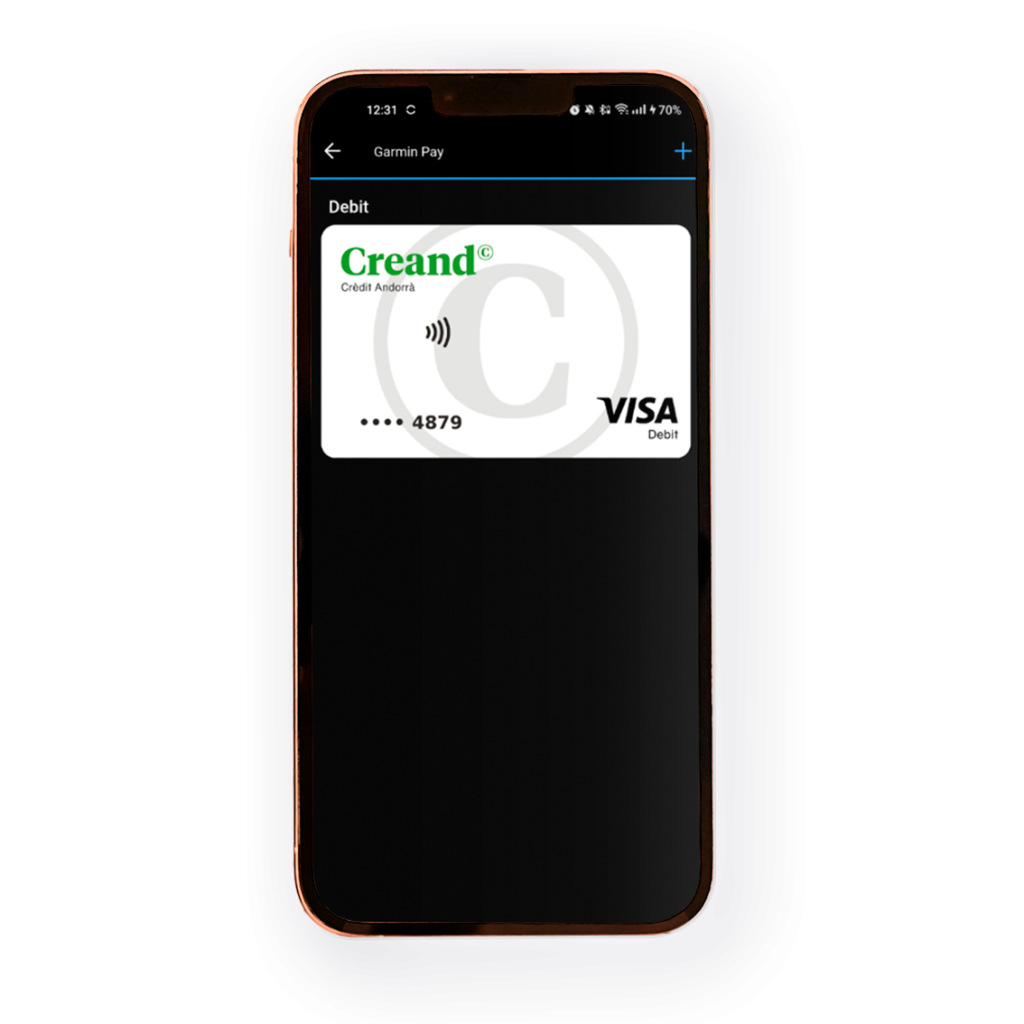
- Manually enter your Creand card details into the Garmin Pay wallet.
- Validate and authorise the registration using the SMS from Creand to confirm your details.
Get ready to pay for your purchases:
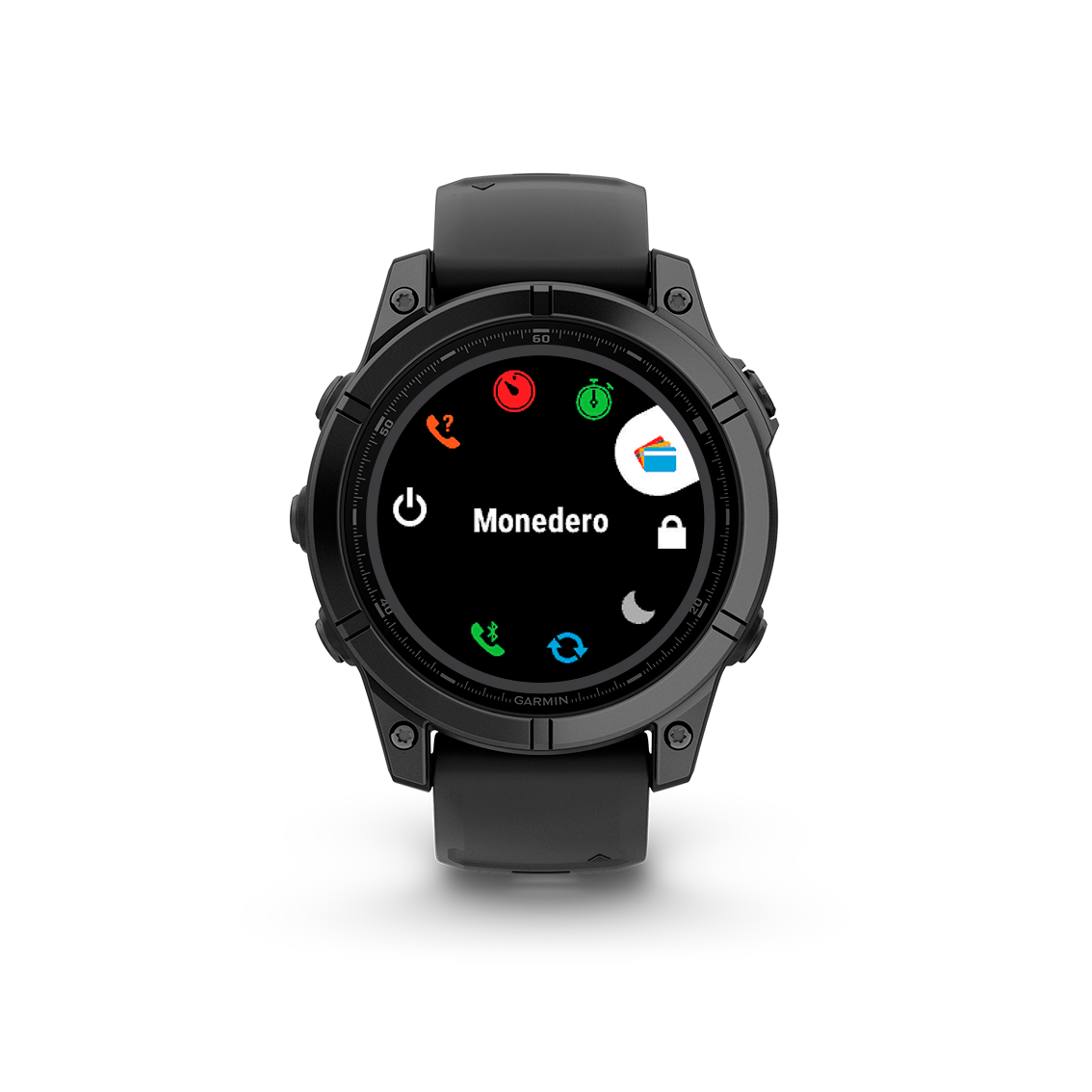
- Open the Garmin Pay app from the wallet icon on your Garmin watch.
- Enter your access code and choose the card you want to use for payment.
Pay for your purchases:
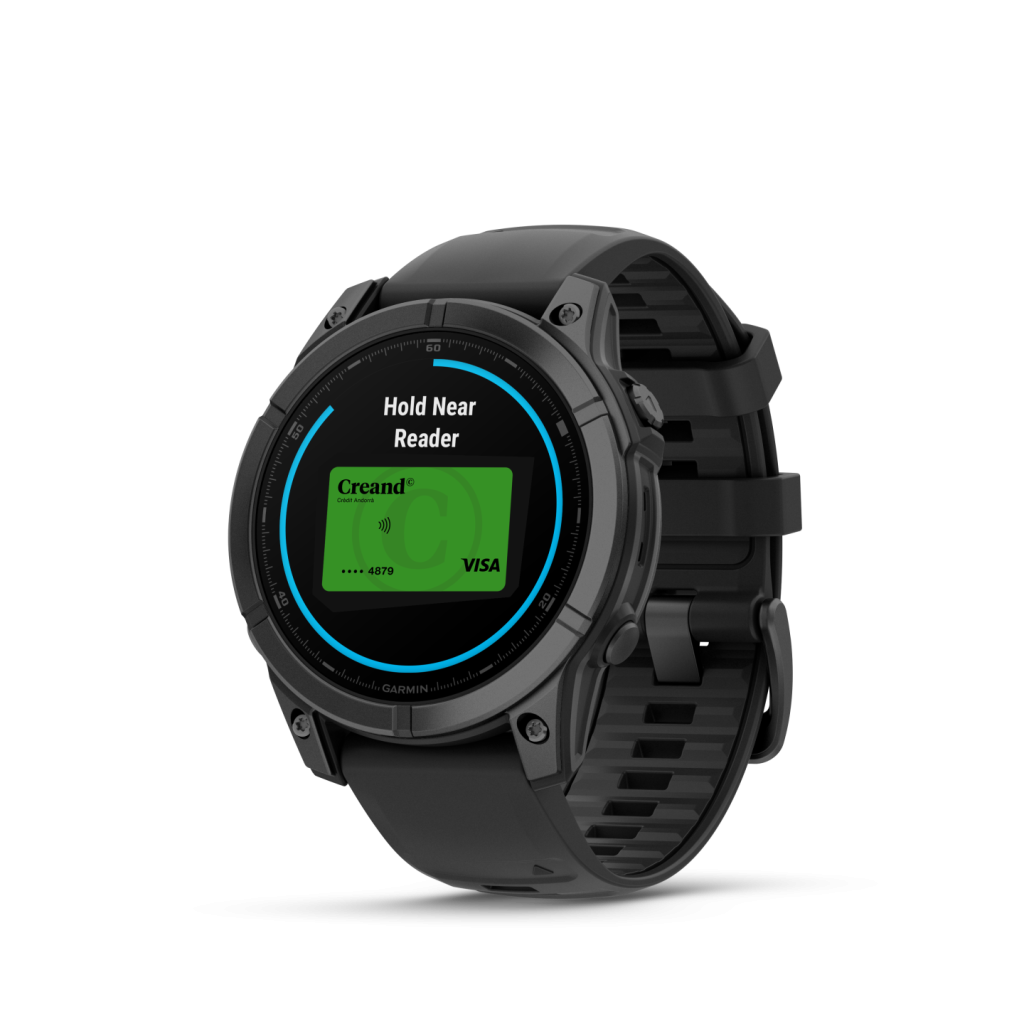
- Hold your Garmin watch near the store’s contactless reader.
Frequently asked questions

The Garmin Pay service is completely free. All you need is a Garmin watch and a VISA card from Creand. Set it up and start using it at no cost.
All Creand Visa cards can be configured with Garmin Pay, including the Teens card.
Anyone with a Creand VISA payment card and a Garmin watch.
The Garmin Pay contactless payment service can be used at any retailer with a contactless point-of-sale and on transit systems in many countries.
The Garmin Pay service does not allow ATM withdrawals, only contactless POS payments and transportation services.
You can check which Garmin watches are compatible here.
The private access code prevents others from accessing your Garmin Pay. Additionally, you can delete the cards stored in Garmin Pay using the Garmin Connect mobile app.
You can view the list of all payments made with the cards linked to your Garmin Pay in Creand Online Banking.