Google Pay™
Google Pay is the Google service that allows you to make secure purchases with your Android device without having to carry your wallet.
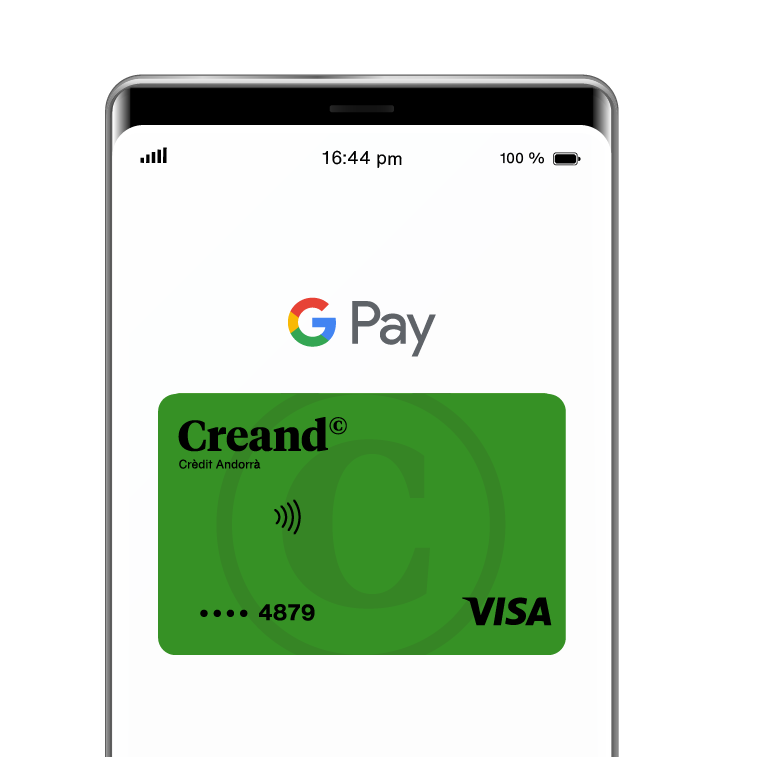
Store your cards in the Wallet of your mobile phone, watch or Android tablet with NFC and take advantage of the contactless payment service offered for free by Google and Creand.
Activate your Visa Teens card now and start using Google PayTM.
Payment service available for purchases in physical and online stores.
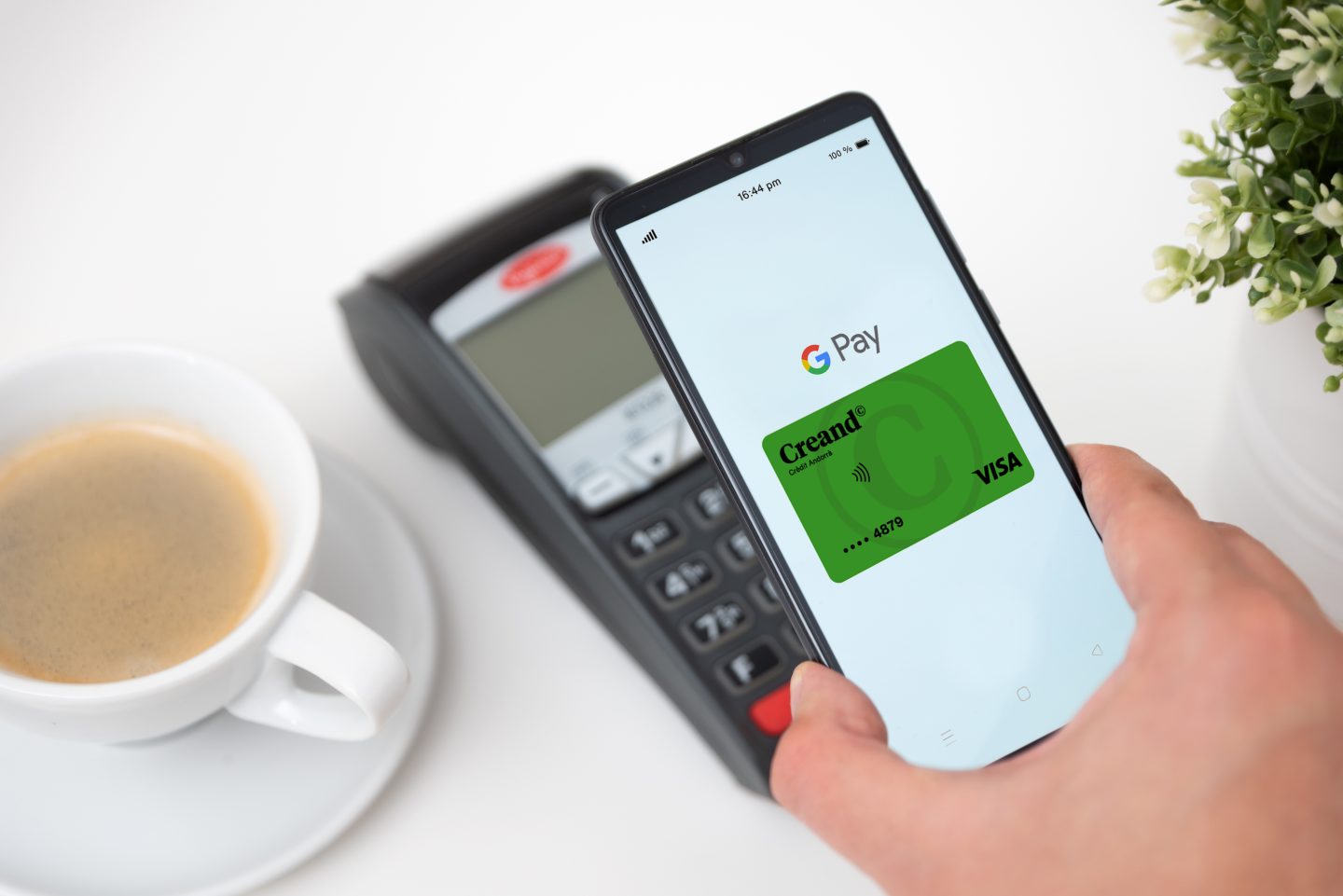
Activate Google Pay and get started
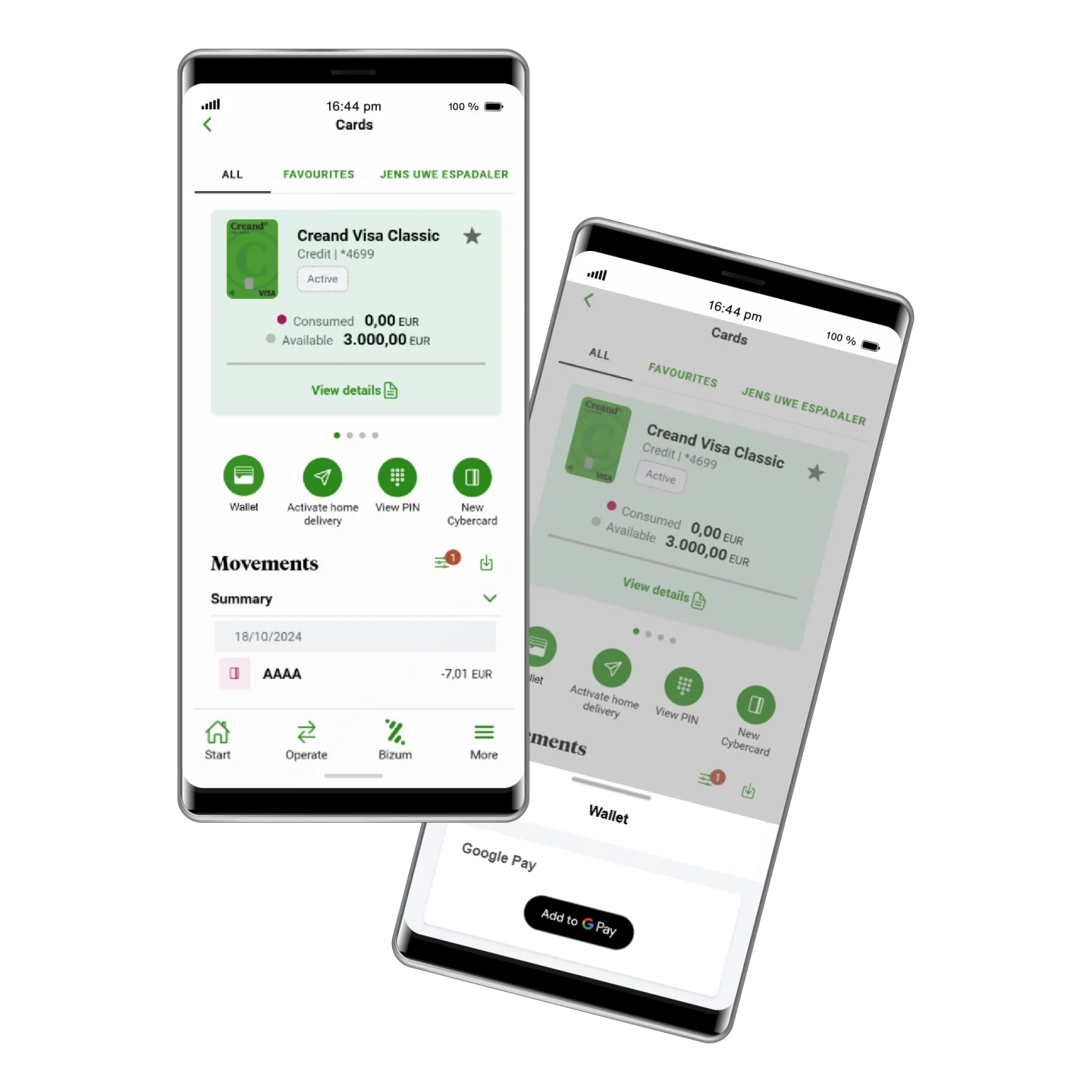
Add your cards to Google Pay from the Creand Online Banking app
- Go to the VISA card you want to register in Google Pay in cards on the Creand Online Banking app.
- Press the first Wallet icon and then “Add to Google Pay” and follow the steps!
If you prefer, you can also access the Google Wallet app on your Android device or download it and follow the steps to register your cards directly.
Add your Creand VISA cards
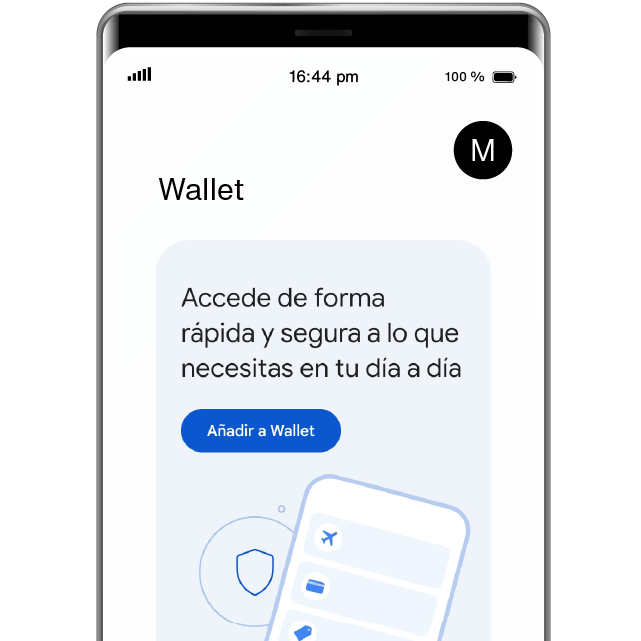
- Click the Add to Wallet button to register the cards you want in the Google Pay wallet.
- Add your Creand Visa card details manually.
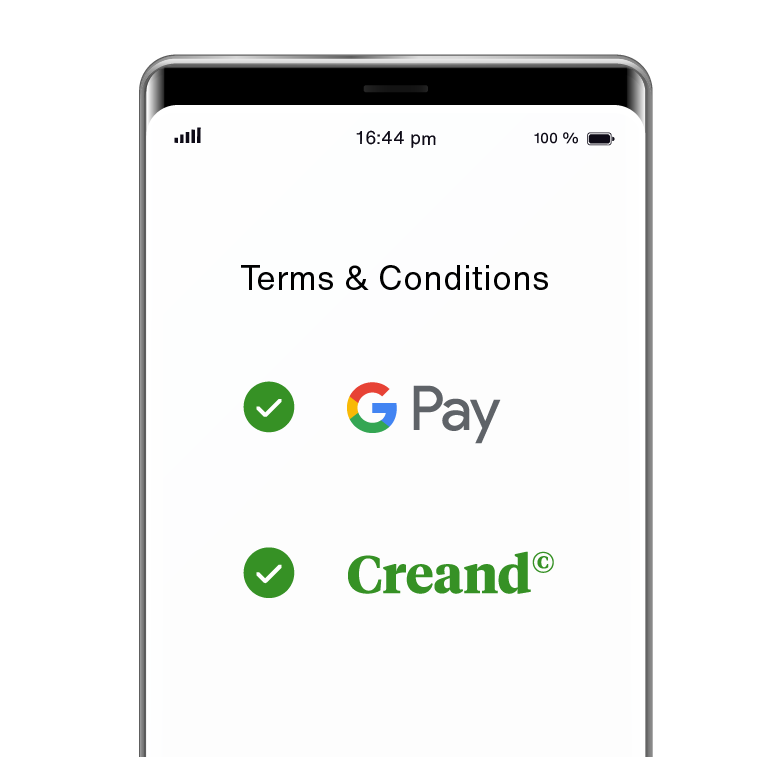
Accept the terms of use
- Agree to the Google and Creand terms and conditions.
- Enter the verification code you receive by SMS or email.
Enjoy paying for your purchases with Android
- Payments in physical stores: unlock your Android device and bring it close to the contactless POS terminals.
- Payments in e-commerce: select Google Pay from the payment options and click on the card you want (if you have more than one).
- Pay and enjoy the purchase.
Do you have any questions about the service?

Google Wallet is the app, while Google Pay is the service. Google Wallet is a digital wallet from Google where you can store bank cards, loyalty cards, boarding passes, and more. Google Pay is the service within Google Wallet that lets you pay with your registered bank cards.
With Google Pay, you can make purchases by unlocking your phone and holding it near a contactless terminal. Your device’s unlock method (PIN, face ID, fingerprint, etc.) acts as the security check to confirm your purchases.
Your card limits are the same as on your physical cards.
Access Google Wallet, delete the expired card from the list and enter the details for your new valid card. You can now use it again.
The Google Pay service is free to use. All you need is an Android device and a Creand VISA card. Set it up and use it free of charge.
All Creand Visa cards are compatible with Google Pay including the Teens card.
Any adult customer with a Creand Visa payment card and an Android device with NFC.
The Google Pay contactless payment service can be used anywhere that accepts contactless payments and on ecommerce.
Google Pay requires you to set up a screen lock mechanism as a security measure. The screen lock helps prevent fraud in case you lose your phone. In addition, you can lock and delete information on Android devices remotely with the ‘Find My Device’ feature.
Google Pay and Google Wallet are trademarks of Google LLC.