Welcome to Creand Online Banking for companies
More streamlined, customisable and optimised to facilitate your company’s day-to-day finances.
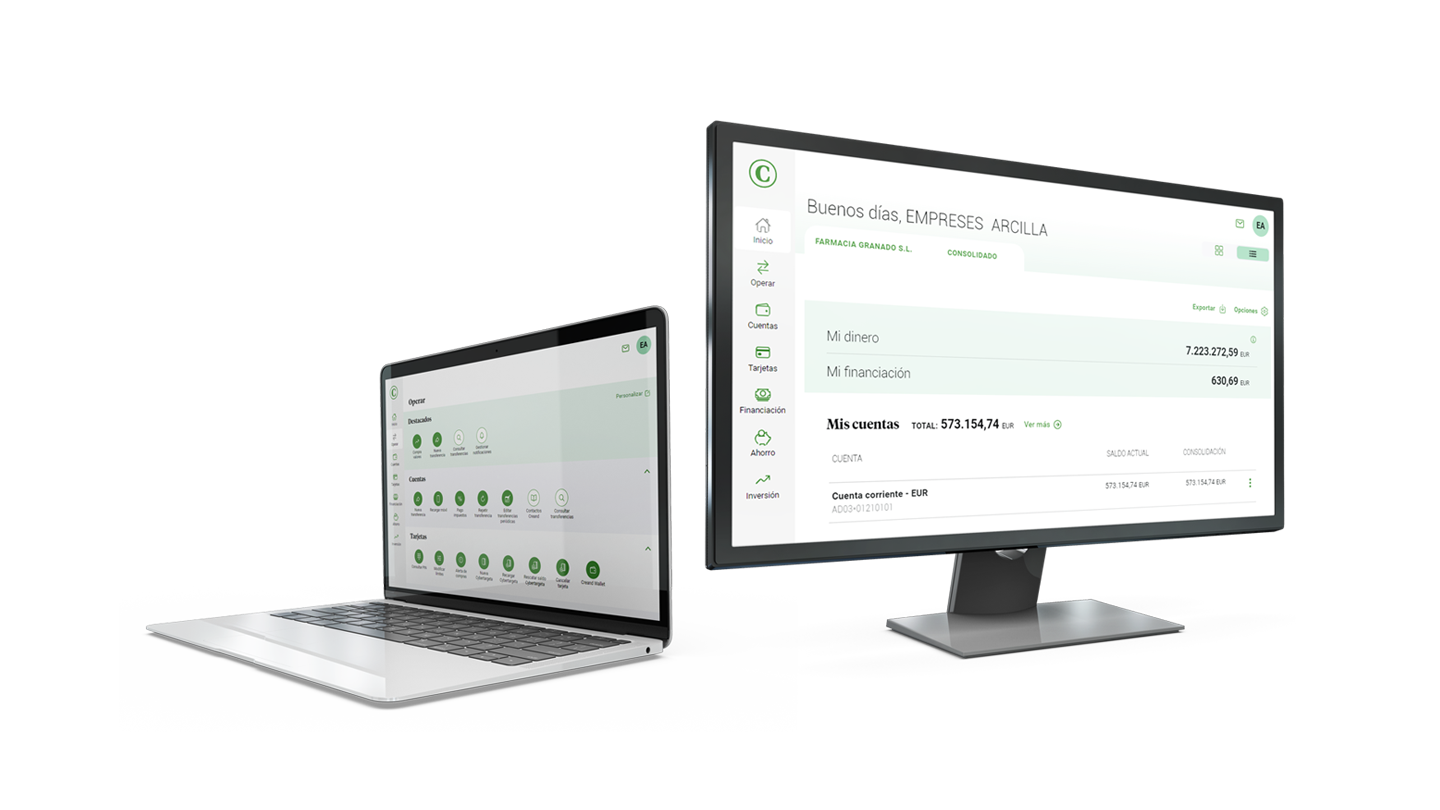


Optimise your company’s finances
Customisation
Adapt the global position to best suit your company’s needs: select the list or modular view and highlight the most used operations, accounts or groupings.
Ease of banking
The “Operate” option groups all the transactions, like Cash Management, Accounts or Cards, Investments, other Services or personal settings.
Contact your adviser
“My Adviser” lets you talk to your adviser quickly and efficiently, or set up an appointment in person or by phone, and resolve your questions or manage your financial needs.
File, collection and payment services
Running a company is easier with the simple, comfortable and secure processes Creand Online Banking offers for managing and consulting files and remittances.
Joint signature
You can bank online with joint accounts, which require the signature of more than one account representative or proxy to approve and carry out transactions.

Conveniently validate transactions
Push notifications
Validate every Creand Online Banking transaction easily with push notifications, a system of instant alerts on your mobile that, without requiring an additional physical element, lets you securely validate every transaction using just your biometrics.
We answer your questions

Just download the Creand Online Banking app, enter your login details and follow the steps to complete the activation. If you need support, you can contact the telephone service +376 888 888.
The manual describes how to send, view and request files.
The manual explains how to generate collection and payment remittances, save editable remittance templates, and create lists of beneficiaries, drawees and suppliers.
The first thing you will have to do is make sure the device has push notifications enabled:
- Apple: Settings > Notifications > Look for the Creand Online Banking application > Allow notifications
- Android: Settings > Notifications and status bar > Manage notifications > Look for the Creand Online Banking application and enable them.
If enabled, make sure the device does not have DO NOT DISTURB or FOCUS turned on, since these modes limit the device’s notifications.
Finally, confirm that your phone is connected to the internet, either through Wi-Fi or data. After checking these points, check the push notification again; if the problem persists, call +376 888 888.